
ID Card Reader

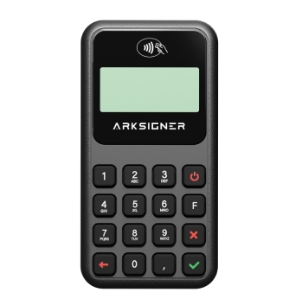
ArkSigner ID Card Reader provides instant authentication with ID cards and chipped passports.

Verifies the identity of customers in bank branch transactions, telecommunication subscription processes, cargo and courier deliveries, with or without contact.

Having a completely legal and secure infrastructure, the device also makes it possible to sign documents in the digital environment using only identity cards.
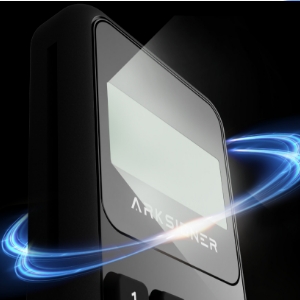
Karanlık arka planda ışık efektiyle çevrelenmiş ARKSIGNER markalı elektronik cihazın yakın çekim görüntüsü.

Advanced bluetooth
Can be used on mobile with connection feature

Üstte eğimli ve altında düz olan mor renkli çizgi.
ArkSigner ID Card Reader provides instant authentication with ID cards and chipped passports. Verifies the identity of customers in bank branch transactions, telecommunication subscription processes, cargo and courier deliveries, with or without contact.

Having a completely legal and secure infrastructure, the device also makes it possible to sign documents in the digital environment using only identity cards.
Kimlik kartını okutmakta olan ArkSignER cihazı ve üzerinde Türk kimlik kartı.

Thanks to its durable battery
can be used for long hours

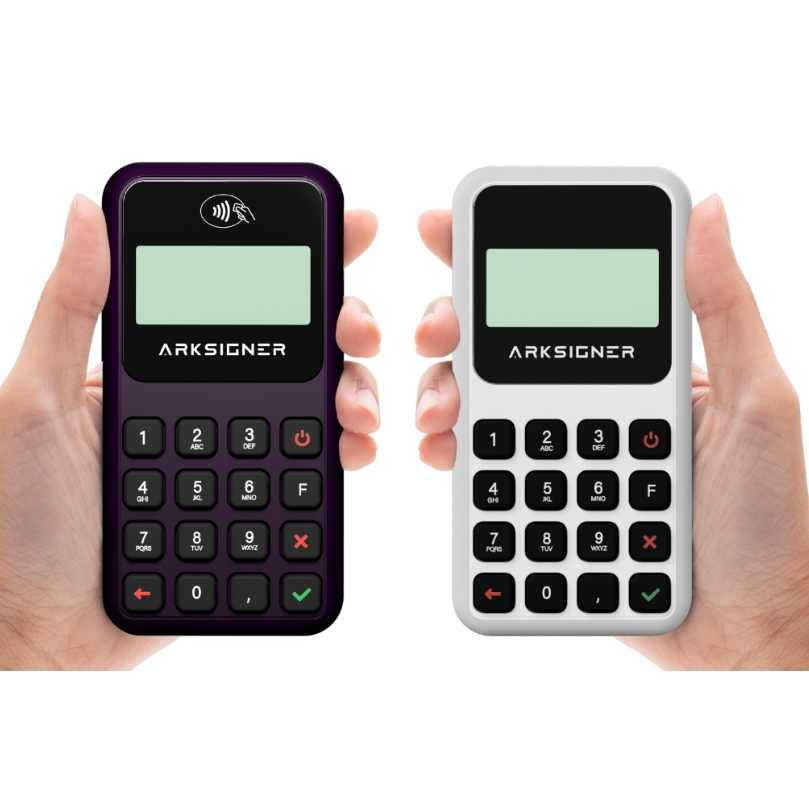
Beyaz ve siyah renklerde ARKSIGNER markalı, küçük ekranlı ve sayısal tuşlu iki kablosuz ödeme cihazı.

Document by Pages
Don't Tired Your Clients to Sign,
Don't waste your precious time!

Üstte eğimli ve altında düz olan mor renkli çizgi.


ArkSigner Smart ID Card Reader finishes traditional document signing processes.

Add value to your services with the ArkSigner Smart ID Card Reader without using paper, tiring to sign pages of documents, without the possibility of forgery!

Frequently Asked Questions

Üstte eğimli ve altında düz olan mor renkli çizgi.

What is an e-signature?

An electronic signature is a digital document signing tool produced with unique codes that have the same validity as a wet signature.

How to get an e-signature

In Turkey, the legal limits of Electronic signature, e-signature established by Law No. 5070, and “Electronic Certificate Service Providers (ESHS)” authorized by BTK are presented to individuals and institutions. First established by TÜBİTAK, it was a KamusM e-Signature distributor. ARİMZA BTK serves as the authorized 8th ESHS.

How to use an e-signature

Mobile, laptop and desktop devices can be used for e-signing. The necessary infrastructures for the e-signature process can be created using software infrastructures such as AKIS, Palma, JAVA.

What documents are required for e-signature?

Presentation of identity document at this stage in traditional methods is required for application form e-Signature with wet signature. In some cases, documents concerning legal entities for corporate applications or franchise applications may also need to be used during the application. But in Arkimza, the process is very different. Related to the topic for details
Check out our blog post.

How can I activate the AKİMZA e-Signature certificate?

You can activate your e-signature through the mobile ARİMZA application and e-Government. Details on activation steps can be found on our installation videos page. If you wish, you can also check out our blog post on ARKİMZA activation.

How do I install the ARIMZA apps on my phone and computer?

You can download the necessary mobile applications from official app stores such as Google Play Store, App Store, and so on to use your eSignature certificate. On the other hand, you can access the desktop application through the ARKİMZA and ArkSigner websites. Click to download!

How do I make an ARİMZA purchase?

Arkimza e-Signature certificate is located in the right corner of our website”BuyClick on the” button. Select your E-Signature preference. Complete your payment after filling in your personal details and contact details. In case of successful transactions, your e-Signature will be shipped the same day or the next day.

How do I change and unblock an e-signature PIN code?

You can perform your PIN code transactions through the ARKİMZA desktop app. In the application that you have installed on your computer, you can complete the PIN change and PIN unblock operations in a few steps from the Everyday operations tab.

Where can I find out my certificate expiration date?

You can find out all the details about your e-signature certificate by visiting the ARİMZA application on your computer.

How to get an electronic signature on the Internet

You can easily order your electronic signature from authorized organizations that provide an electronic signature certificate.